Production & MRP
Production planning software for small manufacturers
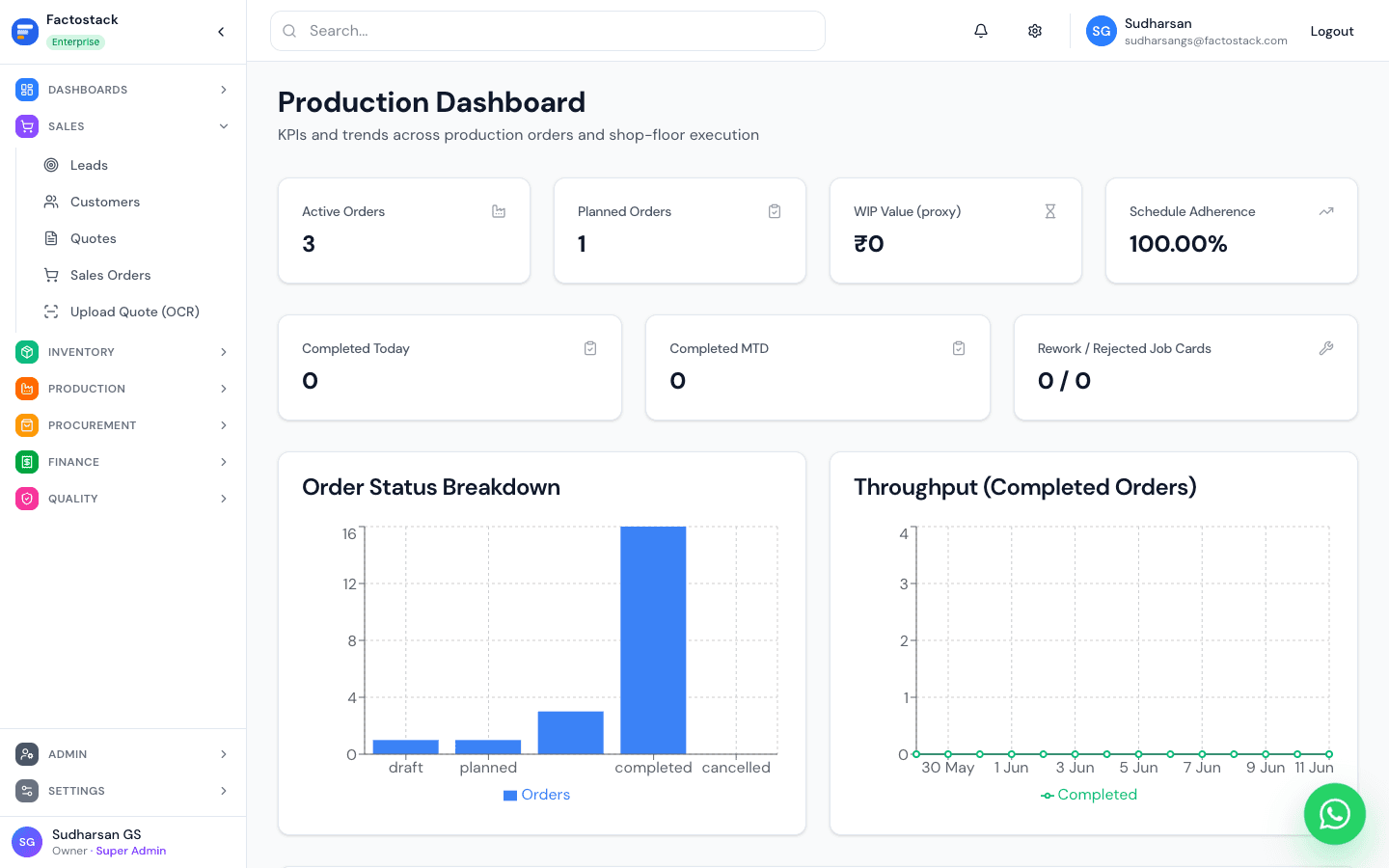
How production planning software runs one factory order
A planner in a machine shop starts from a confirmed sales order: finished item, quantity, and the date the customer was promised. Production planning software turns that demand into a production order. The production order is the instruction to make that finished quantity. A work order or job card is one operation under it, such as facing or drilling. The difference is written out in work order vs manufacturing order.
The sketch below is a planning example for 50 machined MS flanges, 150 NB, due in 10 working days. It is a worked example, not a customer result.
BOM and routing on the production order
The bill of materials is the component list per finished piece. The routing is the operation list, in the order the shop actually runs them. Factory OS keeps both on the product, so the production order does not depend on a separate spreadsheet.
| Component | Qty per flange | Gross for 50 |
|---|---|---|
| MS blank, 150 NB | 1 nos | 50 |
| Stud, M16 | 8 nos | 400 |
| Gasket, 150 NB | 1 nos | 50 |
| Op | Operation | Where it runs |
|---|---|---|
| 10 | Face and turn OD | Centre lathe |
| 20 | Drill PCD | Pillar drill |
| 30 | Zinc plating | Job work — issue and receipt |
| 40 | Final inspection | Quality |
| 50 | Pack | Dispatch stores |
When the finished good contains a housing that the same shop machines, that housing is a sub-assembly with its own BOM. Multi-level BOM planning rolls the child components into the same buy list, instead of a flat list that forgets the studs inside the sub-assembly.
MRP: the material to buy before the job starts
MRP answers one question for the buyer: what is still to purchase so this production order can be issued. Gross requirement comes from the BOM. Available quantity is free stock in inventory, plus purchase orders already placed that will arrive before the operation needs the part, minus quantity reserved on other open production orders.
Shortfall = gross requirement − (on hand − reserved on other orders + open PO due in time)
| Item | Gross | On hand | Reserved | Open PO | Short |
|---|---|---|---|---|---|
| MS blank | 50 | 22 | 6 | 10 | 24 |
| Stud M16 | 400 | 500 | 80 | 0 | 0 |
| Gasket | 50 | 12 | 0 | 0 | 38 |
Blanks: free stock is 22 − 6 = 16, plus 10 already on a purchase order, so 26 are covered and 24 are short. Studs: free stock is 500 − 80 = 420 against a need of 400, so the buyer does not raise a stud PO for this order. Gaskets: 12 on hand and nothing incoming, so 38 are short.
Those two short lines are the purchase suggestion. Procurement raises the purchase orders. When the goods receipt is posted, the quantity is on hand for the next MRP run and for issue to this production order. A second PO for blanks that are already due this week is how plans double-buy.
Issue, job work, inspection, and cost on the same order
After the 24 blanks and 38 gaskets are received, stores issues 50 blanks, 400 studs, and 50 gaskets to the production order. The godown balance drops by the issued quantity. The order now holds the material the routing will consume.
Operation 30 is outside the factory. Subcontracting for plating is a job-work issue of the semi-finished flanges to the plater and a receipt when they return, with the quantity the vendor sends back. It is a routing step with its own challan, not another raw-material line on the BOM.
Final inspection then counts what can be sold. If 2 flanges fail for bore oversize, the finished-goods receipt is 48. The 2 rejected pieces are recorded on quality control with the reason, and they stay out of saleable stock.
Cost on the order is the material issued, the plating charge on the job-work receipt, and the labour booked on the in-house operations. Divide that batch total by the saleable quantity. The formula, with a separate worked example, is on the manufacturing cost calculator.
Job cards, the daily plan, and Tally
Once material is issued, the daily sequence by work centre — which lathe runs the flanges today, and whether the drill is free — is shop floor planning. Operator updates, stage quantity, and live WIP sit on shop floor tracking as job cards. This page holds the production order and the material plan that those job cards are cut from.
Accounts stay in Tally. Tally integration exports sales invoices and purchase records one way. The production order, the MRP shortfall, and the material issue stay in FactoStack, where the planner and stores already work.
Production planning, multi-level BOMs, routings, and MRP are included in Factory OS at ₹2,999/month.
Start Free TrialThe workaround
What the current workaround hides
The issue is not the tool itself. It is what happens when the next team cannot see the update.
- 01
The sales order is retyped into a planning sheet
Quantity, item, and promised date sit on the sales order. The planner copies them into Excel before anyone can see what to make.
- 02
The BOM is not the quantity stores issues
A spreadsheet BOM lists components per piece. Stores issues a round number from memory, so stock and the order drift apart.
- 03
The shortage shows up after the machine is set
Facing starts, then the drill finds the PCD holes have no studs, or plating has no free capacity at the vendor. The setter waits.
- 04
Open purchase orders are invisible to the plan
Blanks are already on a PO due Thursday. The buyer raises another PO because the plan only looked at the godown balance.
The connected FactoStack workflow
Each update stays attached to the operational record that caused it.
Production order from the sales order
The confirmed sales order supplies the finished item, quantity, and due date. That production order is the instruction to make the quantity.
BOM and routing on the product
Each finished item carries its components per unit, including sub-assemblies, and the operations that make it: in-house steps and outside processes such as plating.
MRP nets stock, reservations, and open POs
Gross requirement is order quantity times BOM quantity. MRP subtracts free stock, quantity already reserved on other open production orders, and purchase orders due before the job needs the material.
Issue, job work, and finished-goods receipt
Stores issues material to this production order. Outside processing is a job-work issue and receipt. Accepted quantity is received into finished goods.
Key Capabilities
The product records and controls available to the team.
Production orders
One production order per finished quantity, opened from the sales order, with item, quantity, and due date on the record.
Multi-level BOM
Components per finished unit, and a child BOM where a sub-assembly is made in-house. MRP rolls the child requirement up.
Routing
The operations on the product, in order: machine, work centre, or an outside process such as plating or heat treatment.
MRP
Material to buy for open production orders, after stock, reservations, and purchase orders already placed.
Material issue and FG receipt
Issue components to the production order. Receive the accepted finished quantity back into stock.
Purchase suggestion
The shortfall is what the buyer raises as a purchase order. The receipt posts back into stock for the next MRP run.
How It Works
How the record moves from one role to the next.
Sales order to production order
Confirmed item, quantity, and due date become the production order. The BOM and routing come from the product.
Run MRP
Gross requirement minus free stock, reservations, and open POs due in time. The remainder is the purchase suggestion.
Issue material
After the short items are received, issue them to this production order. Job-work steps issue and receive the semi-finished part.
Receive finished goods
Receive the accepted quantity into finished goods. Rejected pieces stay on the quality record. Job cards are shop floor tracking.
How Production & MRP Connects
How this module shares information with the rest of FactoStack.
Sales orders
The production order is opened from the confirmed sales order. Promised quantity and date stay on that demand.
Inventory
On-hand stock, reservations, material issue, and the finished-goods receipt all hit the same item balances.
Procurement
The MRP shortfall is the purchase suggestion. The goods receipt puts that quantity back into the next planning run.
Quality
Final inspection records the accepted quantity and the rejection reason. Rejected pieces stay out of saleable stock.
Excel vs FactoStack
| Feature | Excel / Manual | FactoStack |
|---|---|---|
| Production order from the sales order | ❌ Retype item, quantity, and date | ✅ Same demand record |
| BOM and routing | ❌ A separate sheet, or the supervisor's notebook | ✅ On the product |
| MRP shortfall | ❌ On-hand only, open POs missed | ✅ Stock, reservations, and open POs |
| Material issue to the order | ❌ A chit that never hits stock | ✅ Issued against the production order |
| Finished-goods receipt | ❌ Accepted and rejected counted together | ✅ Accepted quantity into stock |
See It In Action
Real screens from the FactoStack platform.
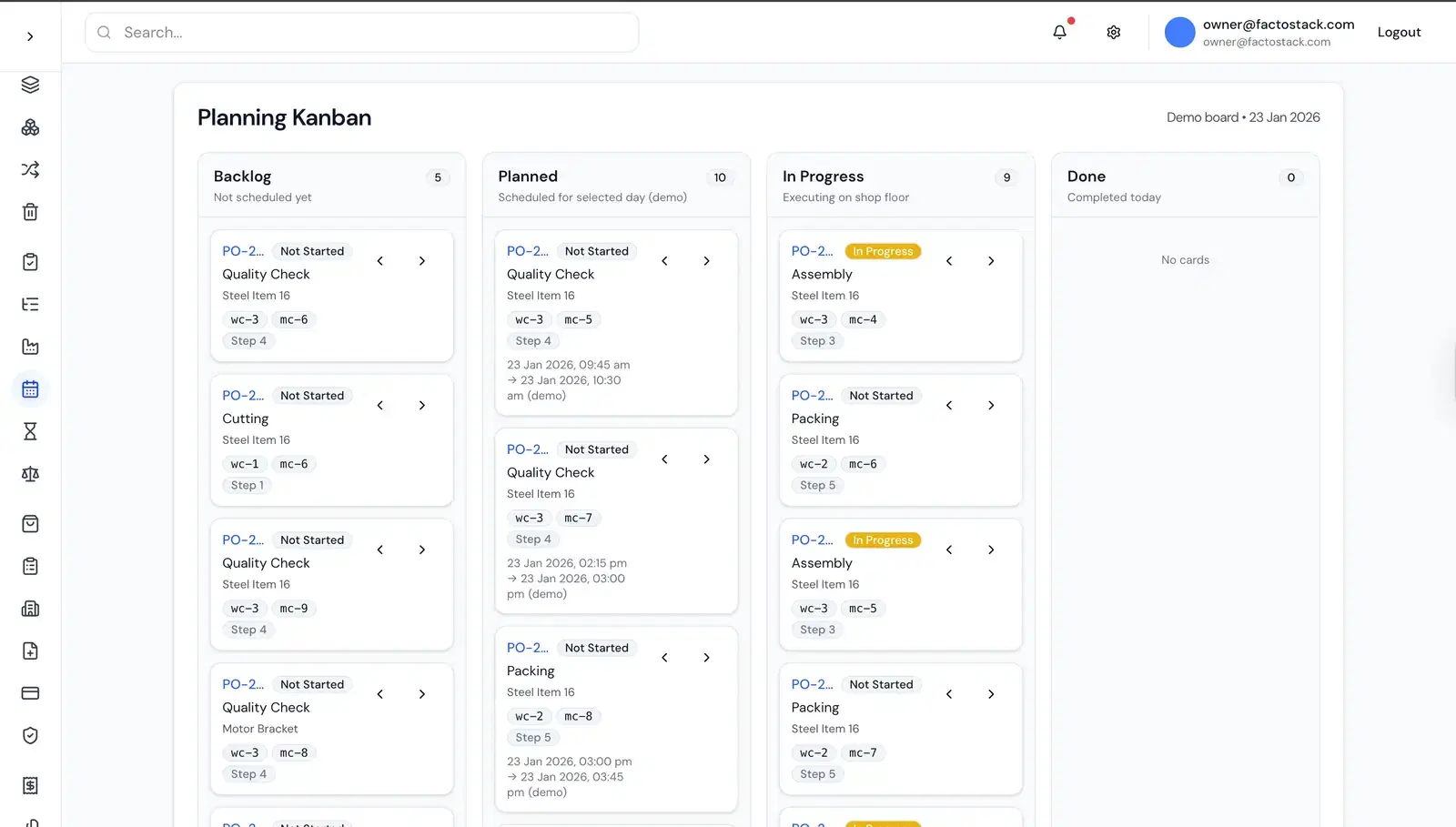
Production orders
Finished quantity, due date, and status for open production orders
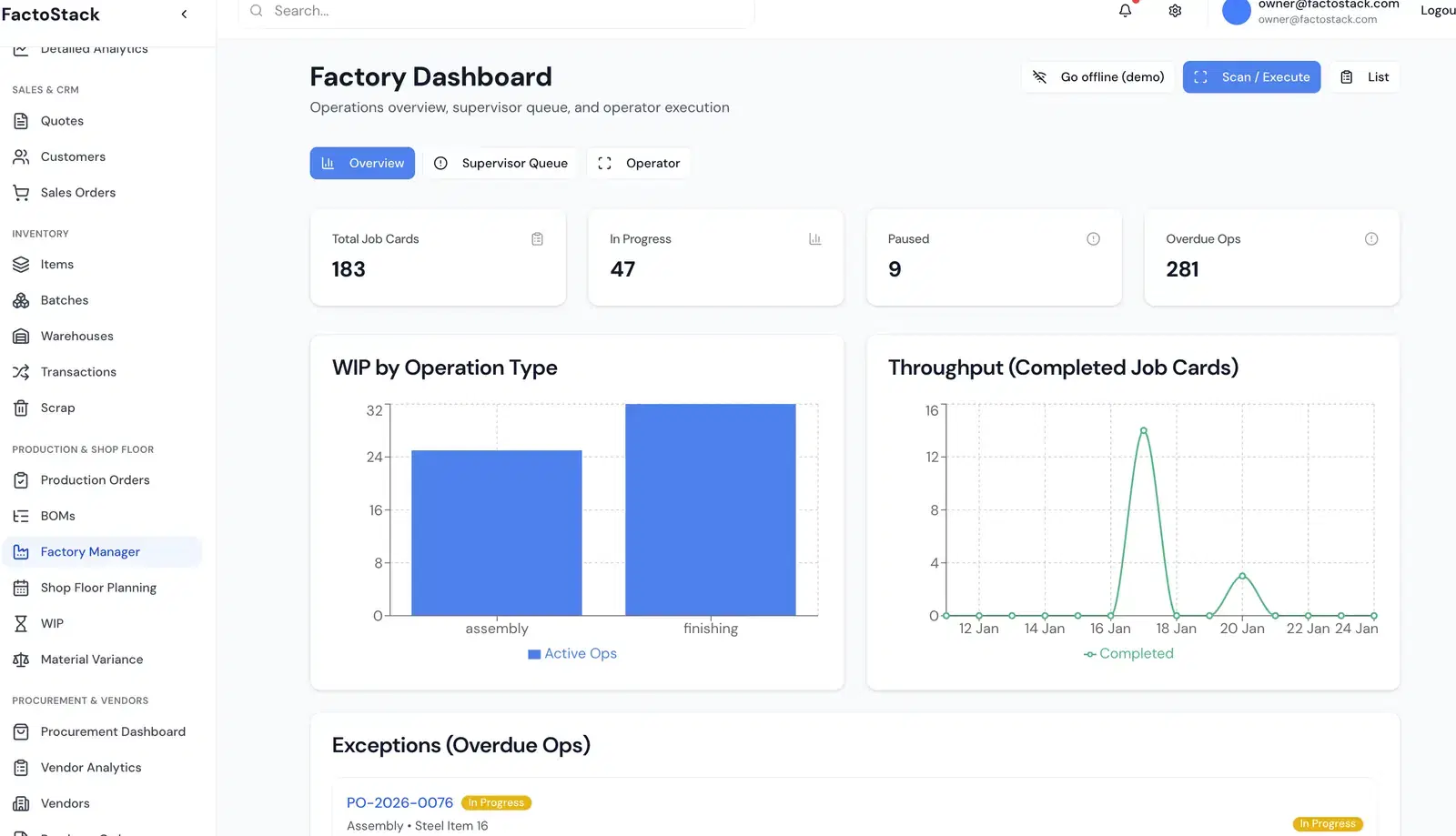
Planning and MRP
Material shortfall and the purchase suggestion for open orders
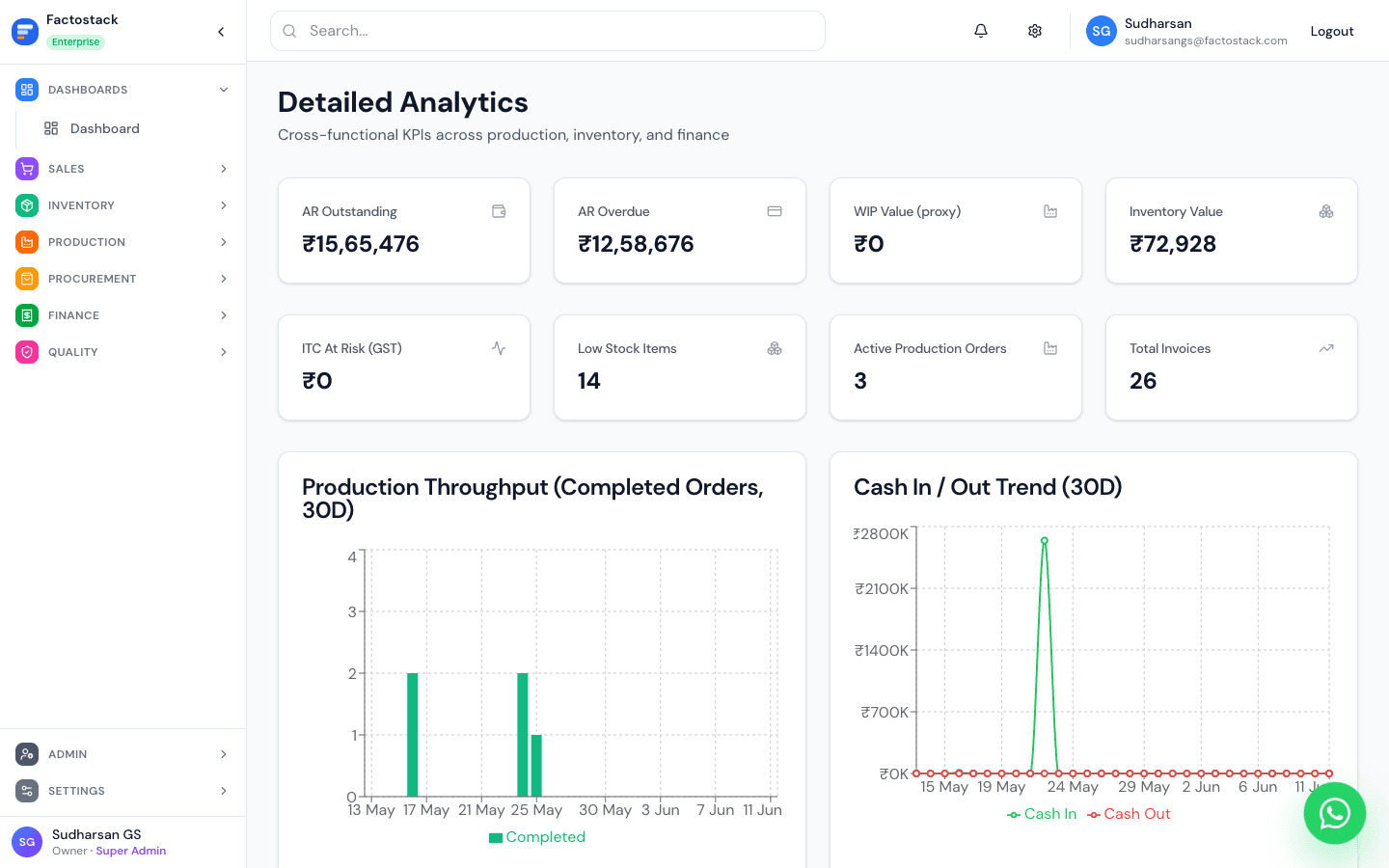
Production order detail
BOM, routing, and material issued to the order
Material and output
Consumption against the order and finished quantity received
Included in Your Subscription
FACTORY OS includes production & mrp and more
- Quotations, CRM & sales orders
- GST-compliant invoicing
- Items, stock & batches across locations
- Multi-level Bills of Materials & routings
- Shop floor tracking (QR job cards)
Frequently Asked Questions
What does production planning software do in a small factory?
It turns a confirmed sales order into a production order: the finished item, the quantity, and the due date. The bill of materials and the routing on that product say what the order consumes and which operations make it. MRP then shows the material still to buy.
Is MRP included in Factory OS?
Yes. Production planning, multi-level BOMs, routings, and MRP are included in Factory OS at ₹2,999/month.
How does MRP calculate the material to buy?
Gross requirement is the production quantity times the BOM quantity per unit. MRP subtracts free on-hand stock, quantity already reserved on other open production orders, and purchase orders due before the job needs the material. The remainder is the purchase suggestion.
Can the BOM be multi-level, with a routing?
Yes. A finished item can contain a sub-assembly that has its own BOM, and MRP rolls that child requirement into the buy list. The routing is the operation list on the product, including an outside process such as plating or heat treatment.
Where are job cards updated after the plan is released?
Job cards, operator updates, and live WIP are recorded on shop floor tracking. The daily sequence by work centre is shop floor planning. This page is the production order and the material plan.
Does the production order post into Tally?
Sales invoices and purchase records export one way from FactoStack to Tally for the accounts team. The production order, the MRP run, and the material issue remain factory records in FactoStack.
Related features & resources
Sales orders
The confirmed demand the production order is opened from
Shop floor planning
Daily sequence by work centre after material is issued
Shop floor tracking
Job cards, operator updates, and live WIP
Inventory
On-hand stock, reservations, issue, and finished-goods receipt
Procurement
Purchase orders for the MRP shortfall, then the goods receipt
Quality control
Inspection and rejection before the finished-goods receipt
Manufacturing cost calculator
Cost per saleable unit from material, labour, and overhead
Tally integration
One-way export of sales invoices and purchase records