Every factory starts with a simple BOM.
One product. One list of materials. One quantity against each component.
That works well when your process is simple:
- buy raw materials
- make the final product
- dispatch it
But many manufacturers eventually reach a point where that flat list stops matching reality.
You are no longer just making one finished good. You are making sub-assemblies, intermediate items, and repeated modules that feed multiple products.
That is where a multi-level BOM becomes necessary.
What a Single-Level BOM Does Well
A single-level BOM is a direct ingredient list for the finished good.
Example:
| Finished good | Direct items |
|---|---|
| Mixer panel assembly | sheet metal body, switch, wire harness, fasteners, label |
This is enough when:
- every component is bought directly
- no sub-assembly is made in-house first
- the product structure is stable
- planning can happen in one step
For simple fabrication or low-volume assembly, that is often fine.
When It Stops Being Enough
Problems begin when one finished good contains assemblies that have their own build logic.
Example:
- final machine
- control panel assembly
- motor mount assembly
- packaging kit
Then:
- control panel assembly may contain wires, relays, terminals, enclosure, labels
- packaging kit may contain carton, inserts, manuals, stickers
If all of this is kept in one flat list, planning gets harder than it needs to be.
What a Multi-Level BOM Actually Means
A multi-level BOM captures the parent-child structure of the product.
Instead of one long list, it answers:
- what do we make as a sub-assembly
- what goes into that sub-assembly
- how many of each sub-assembly are needed for the final product
- which assemblies are shared across multiple finished goods
It mirrors how the factory actually builds.
Signs Your Factory Needs Multi-Level BOMs
1. You build semi-finished goods before final assembly
If your process includes items that are made, stocked, and later consumed, those items should usually exist as their own assembly level.
2. The same sub-assembly is reused across products
If multiple finished goods use the same panel, frame, kit, or module, planning that as a repeated flat list creates duplication and revision risk.
3. BOM changes are becoming painful
When one component change requires editing multiple Excel sheets across several finished goods, the product structure is already telling you it wants hierarchy.
4. Material shortages are hard to diagnose
If production says "we are short for the job" but the exact missing stage or sub-assembly is unclear, your BOM is probably too flat.
5. Costing is too broad to trust
Without assembly-level structure, it becomes hard to see where cost sits:
- panel build
- machining stage
- packing material
- final assembly labour
Multi-level structure improves not just planning, but also costing clarity.
A Simple Example
Single-level version
| Finished good: FG-100 | Qty |
|---|---|
| enclosure | 1 |
| wire | 4 m |
| relay | 2 |
| terminal | 8 |
| fastener kit | 1 |
| motor mount bracket | 1 |
| carton | 1 |
| foam insert | 2 |
Multi-level version
| Parent item | Child item | Qty |
|---|---|---|
| FG-100 | control panel assembly | 1 |
| FG-100 | motor mount assembly | 1 |
| FG-100 | packaging kit | 1 |
| control panel assembly | enclosure | 1 |
| control panel assembly | wire | 4 m |
| control panel assembly | relay | 2 |
| control panel assembly | terminal | 8 |
| motor mount assembly | bracket | 1 |
| motor mount assembly | fastener kit | 1 |
| packaging kit | carton | 1 |
| packaging kit | foam insert | 2 |
The second version is closer to the real production path.
Why This Matters for MRP
MRP is not just a shopping list. It is a timing and dependency engine.
To plan properly, the system must know:
- which items are purchased
- which items are manufactured in-house
- which items are needed earlier as sub-assemblies
- which common assemblies are demanded by multiple finished goods
If the BOM is flat, MRP can still calculate demand, but it loses the logic of how work should be sequenced.
That usually leads to one of two outcomes:
- too much manual planning
- too many surprises on the shop floor
Where Excel Starts Breaking
Excel can store a BOM. That is not the same as managing one well.
The pain points usually appear here:
- revision control across many products
- shared sub-assemblies used in multiple places
- stage-wise material issues
- shortage analysis by level
- impact of one change on many finished goods
Once product structure deepens, Excel becomes a fragile engineering record and a weak planning engine.
How to Introduce Multi-Level BOM Without Overcomplicating It
Do not model everything in maximum detail on day one.
Start with the assemblies that matter operationally:
- commonly reused sub-assemblies
- semi-finished goods made in separate stages
- assemblies with meaningful cost or lead-time impact
- packaging kits that repeatedly get missed
That gives planning value without creating unnecessary master-data overhead.
Identify repeat modules
Find sub-assemblies that appear in multiple products or stages.
Separate purchased vs made items
Mark which items are bought directly and which should be planned as in-house assemblies.
Define parent-child structure
Build the hierarchy so the finished good points to its sub-assemblies, and each sub-assembly points to its components.
Use it in planning
Let production planning and MRP calculate shortages and dependencies level by level.
What a Good Manufacturing System Should Support
If your factory is moving toward multi-level BOMs, the software should support:
- parent-child BOM relationships
- revision control
- shared assemblies
- production orders against assemblies
- shortage calculation across levels
- inventory consumption from the correct stage
That is the difference between storing a BOM and actually planning from it.
Where FactoStack Fits
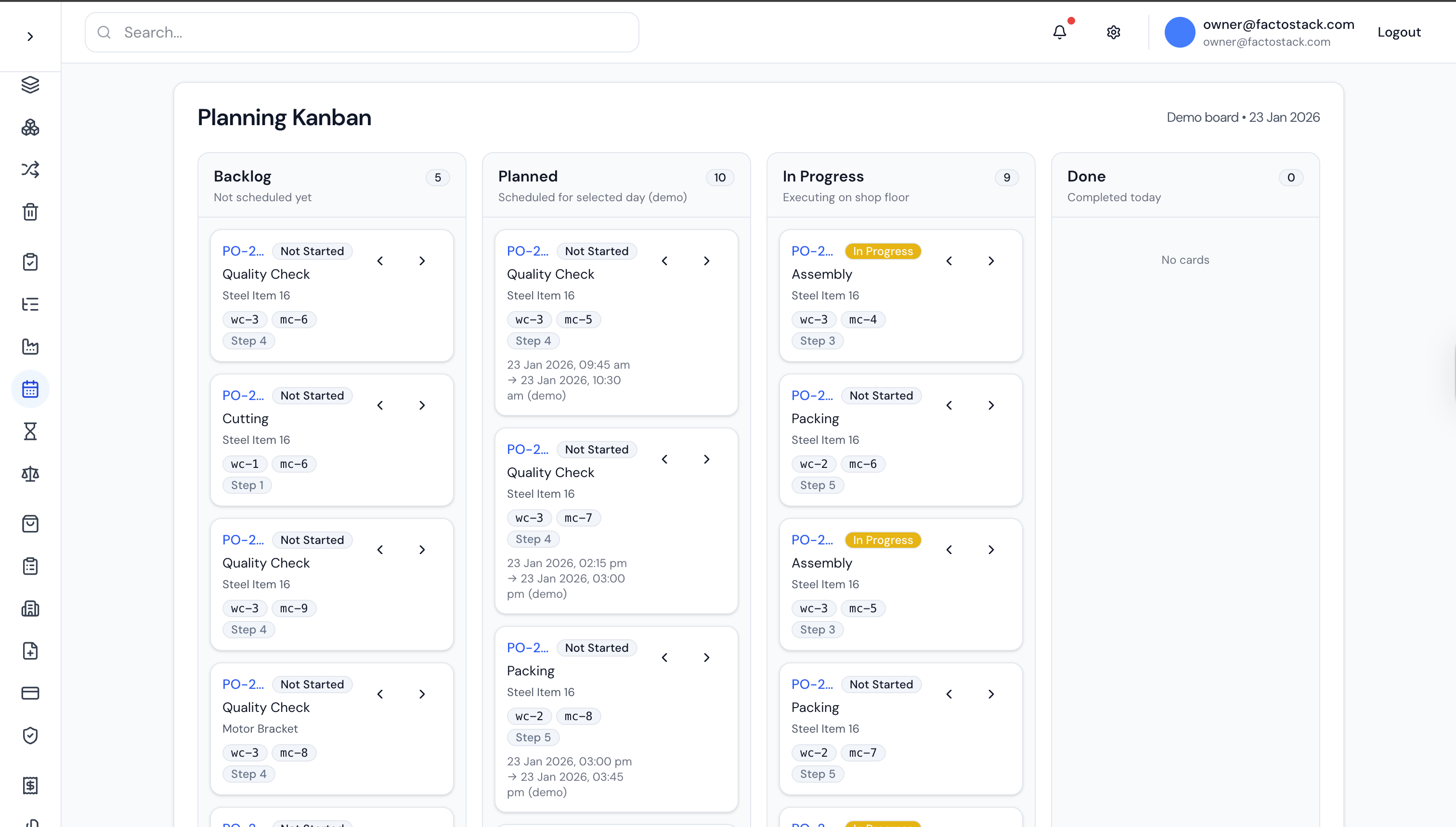
FactoStack helps manufacturers manage BOM-driven production planning with clearer visibility into what needs to be bought, what needs to be built first, and what is blocking final assembly.
BOM-Driven Production Planning
Plan raw materials, sub-assemblies, and production stages with one workflow designed for practical factory execution.
Related Guides
- What is a BOM and how it works in manufacturing
- How to run MRP without an SAP budget
- How to track WIP inventory in a small factory
Frequently Asked Questions
Match the BOM to How the Factory Really Builds
If your team is manufacturing in stages but planning from one flat materials list, the structure is already wrong. The next improvement is not more spreadsheet discipline. It is a better production model.

Written by
Sudharsan GS
Building FactoStack with Indian MSME manufacturers across inventory, production, dispatch, GST, and Tally workflows.